
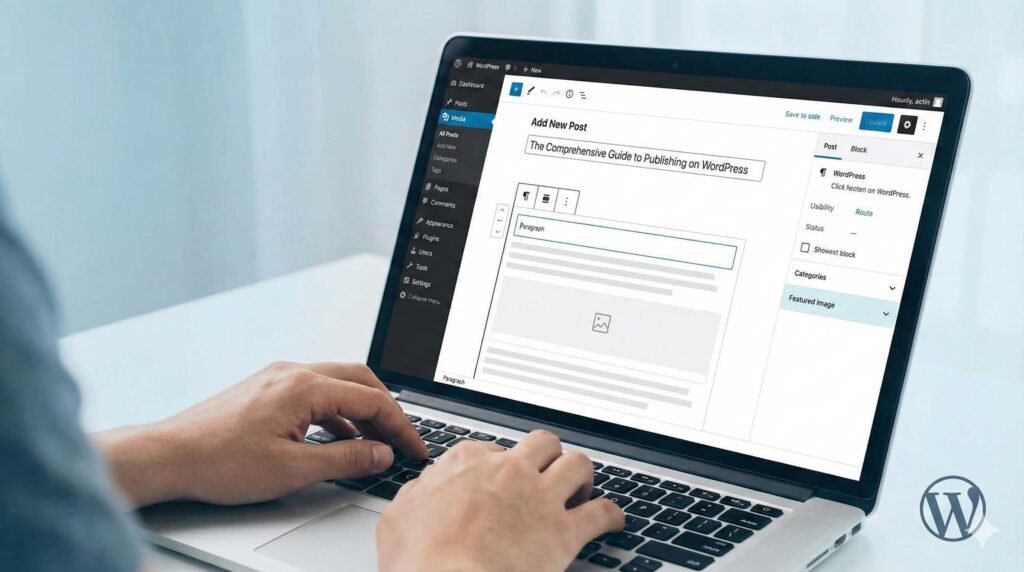
Creating a compelling blog post in WordPress is a straightforward yet powerful process, thanks to its intuitive content management system. To begin, log into your WordPress admin dashboard. From the left-hand navigation menu, hover over Posts and select Add New. This action opens the block editor (often called Gutenberg), which serves as your canvas. The editor treats every element of your content—whether it is a paragraph, an image, a quote, or a video—as a separate “block.” You start by entering your headline in the “Add Title” field, which effectively becomes the H1 tag for the page. To build the body of your post, simply click the plus (+) icon to insert the specific blocks you need, allowing you to structure your article dynamically without needing any coding knowledge.
As you draft your content, the right-hand sidebar becomes your command center for organization and optimization. This “Post” tab contains critical settings that define how your article is indexed and displayed. You should assign a specific Category to ensure your post is filed under the correct topic hierarchy, and add relevant Tags to help users discover your content via specific keywords. Crucially, you must upload a Featured Image; this is the visual thumbnail that appears on your homepage and when the link is shared on social media. It is also best practice to edit the “URL Slug” in the settings to ensure your link is concise and readable, which aids in Search Engine Optimization (SEO).
Before sharing your work with the world, utilize the Preview button in the top right corner. This allows you to verify how your layout adapts to desktop, tablet, and mobile screens. Once you have proofread the text and confirmed the design looks sharp, you can either click Publish to make it go live immediately or use the calendar feature to schedule it for a future date.